
Custom personas, PII filtering, and the Clickhelp integration
January 8, 2024
A big start to the year: more control, more privacy, more sources.
IntegrationsPrivacy & securityAI configuration
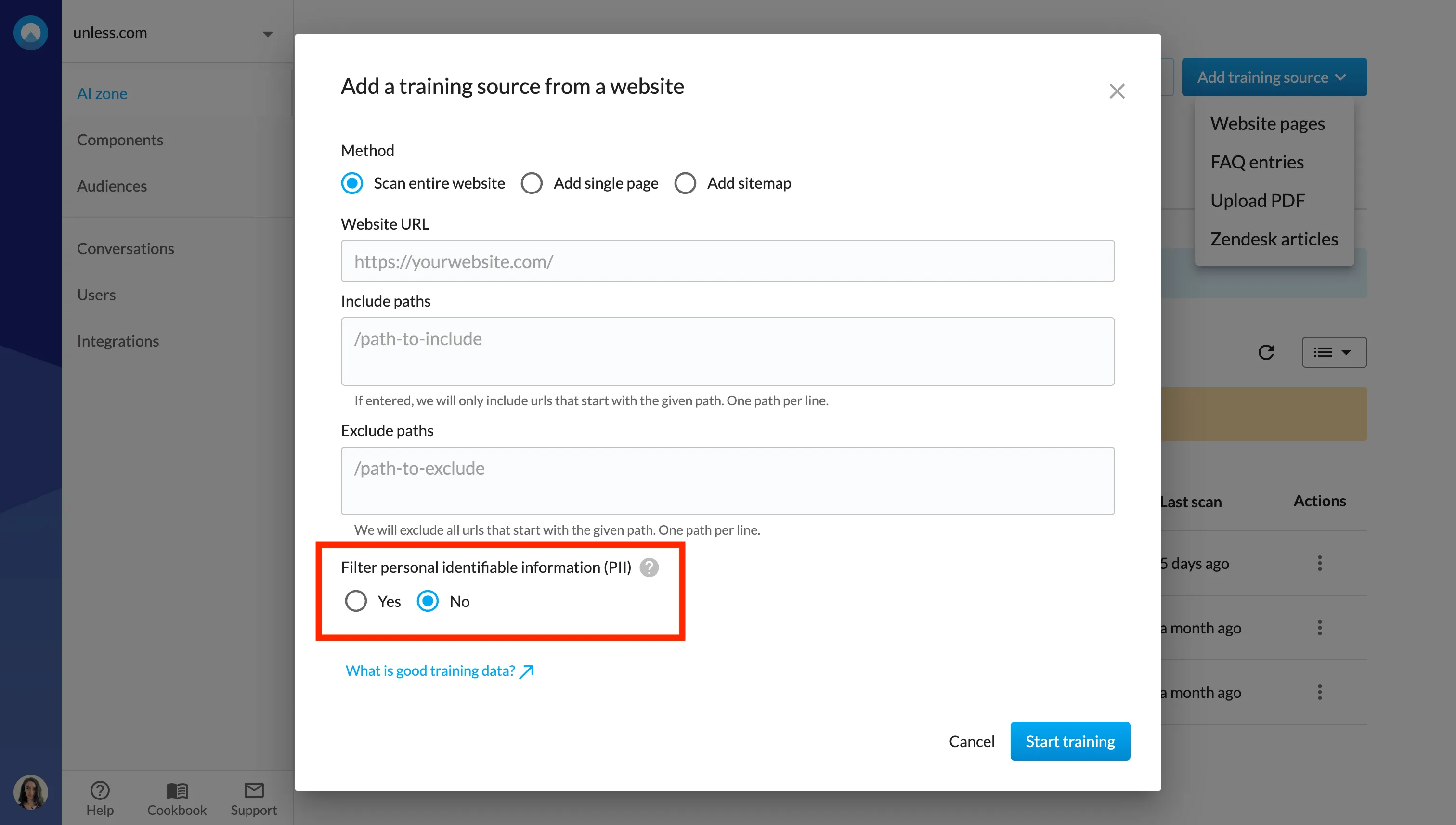
- 🙅 Filter personal identifiable information (PII) when adding training sources. We then filter personal information like names, personal IDs, email addresses and more from the source before ingesting.
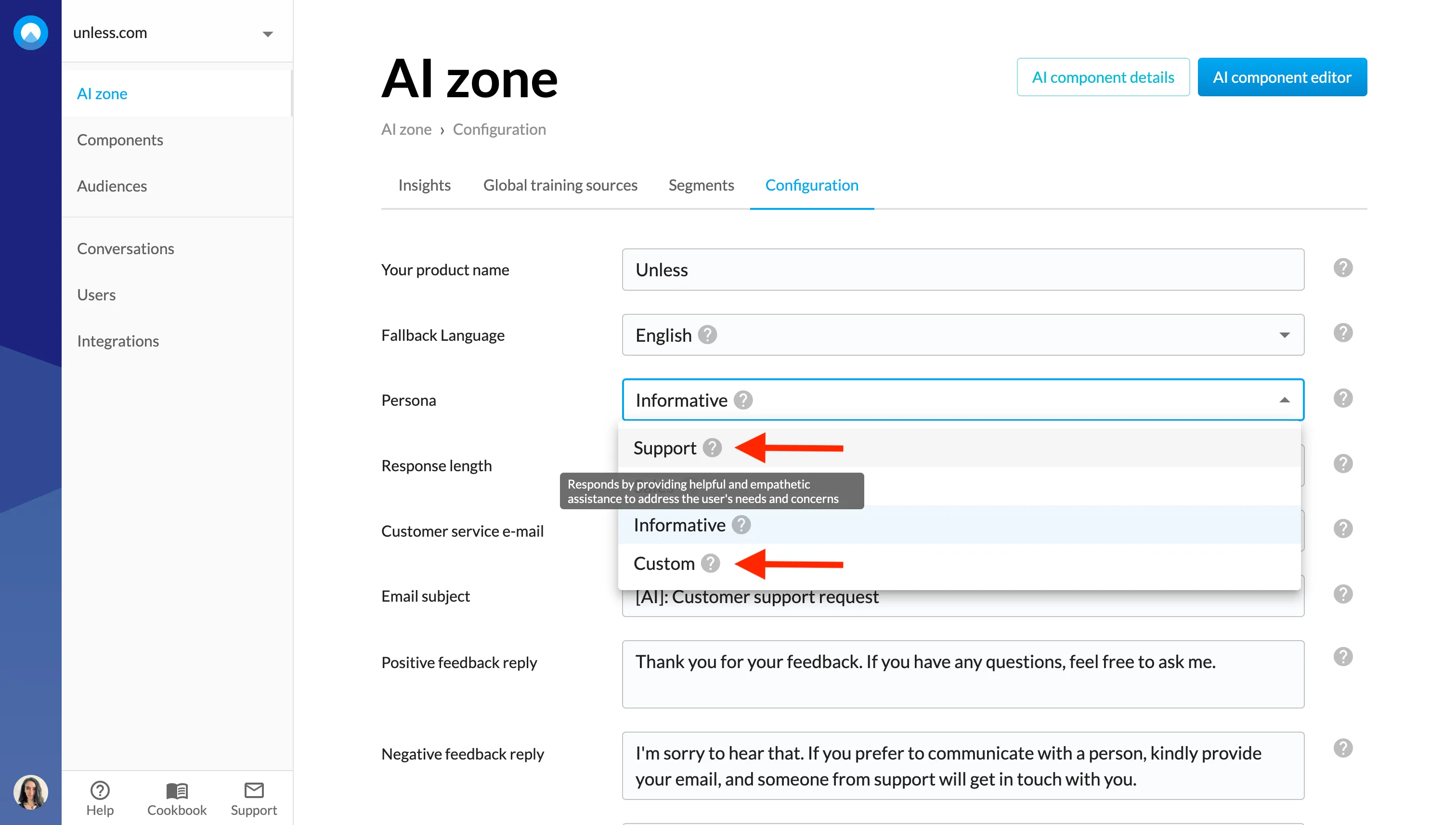
- 🎭 You can now define your own custom persona via the Configuration tab of your AI zone. You can hover over the ? icon next to the other persona options to get an idea of the kind of input you can provide. Keep in mind that you can use a maximum of 200 characters.
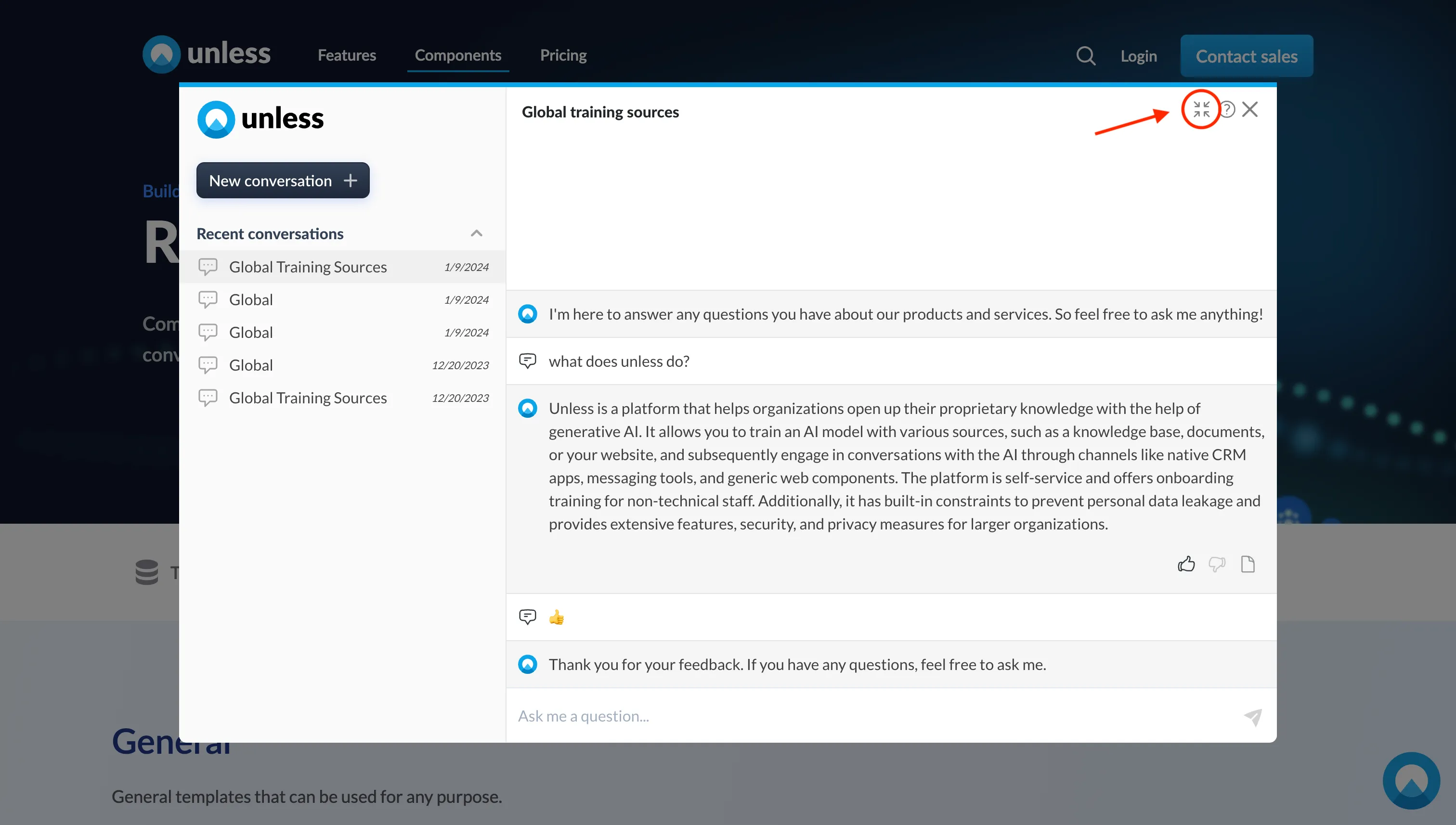
- 💬 The conversation popover and conversation center are now merged. Enlarging the chat popover will bring users to the conversation center where there is an overview of recent conversations. Clicking the size icon again will bring the user back to the popover view.
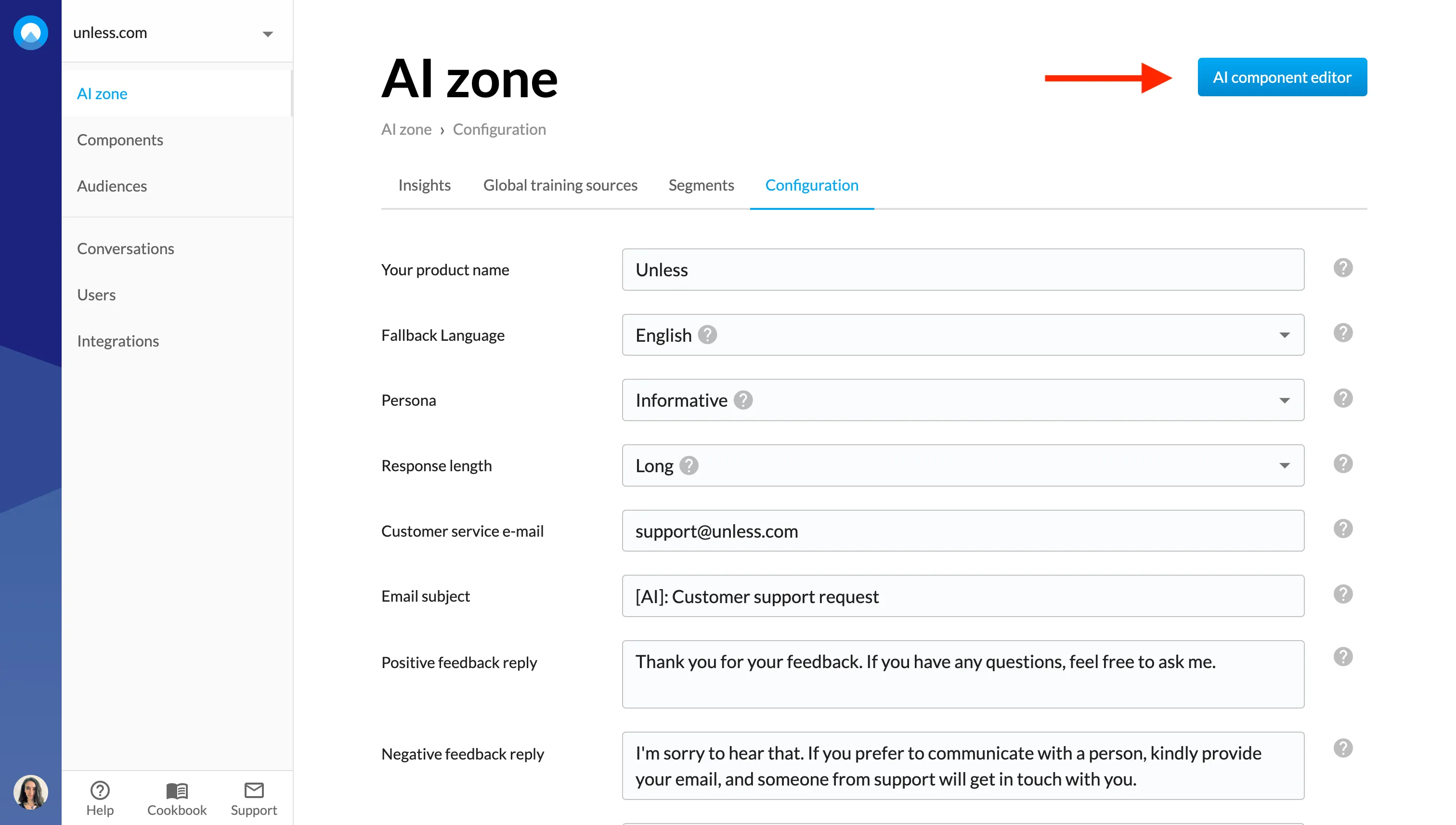
- 🎨 You can open up the editor to customize your AI component via the Configuration tab. While in the editor, you can also switch between different components that are on the same page.
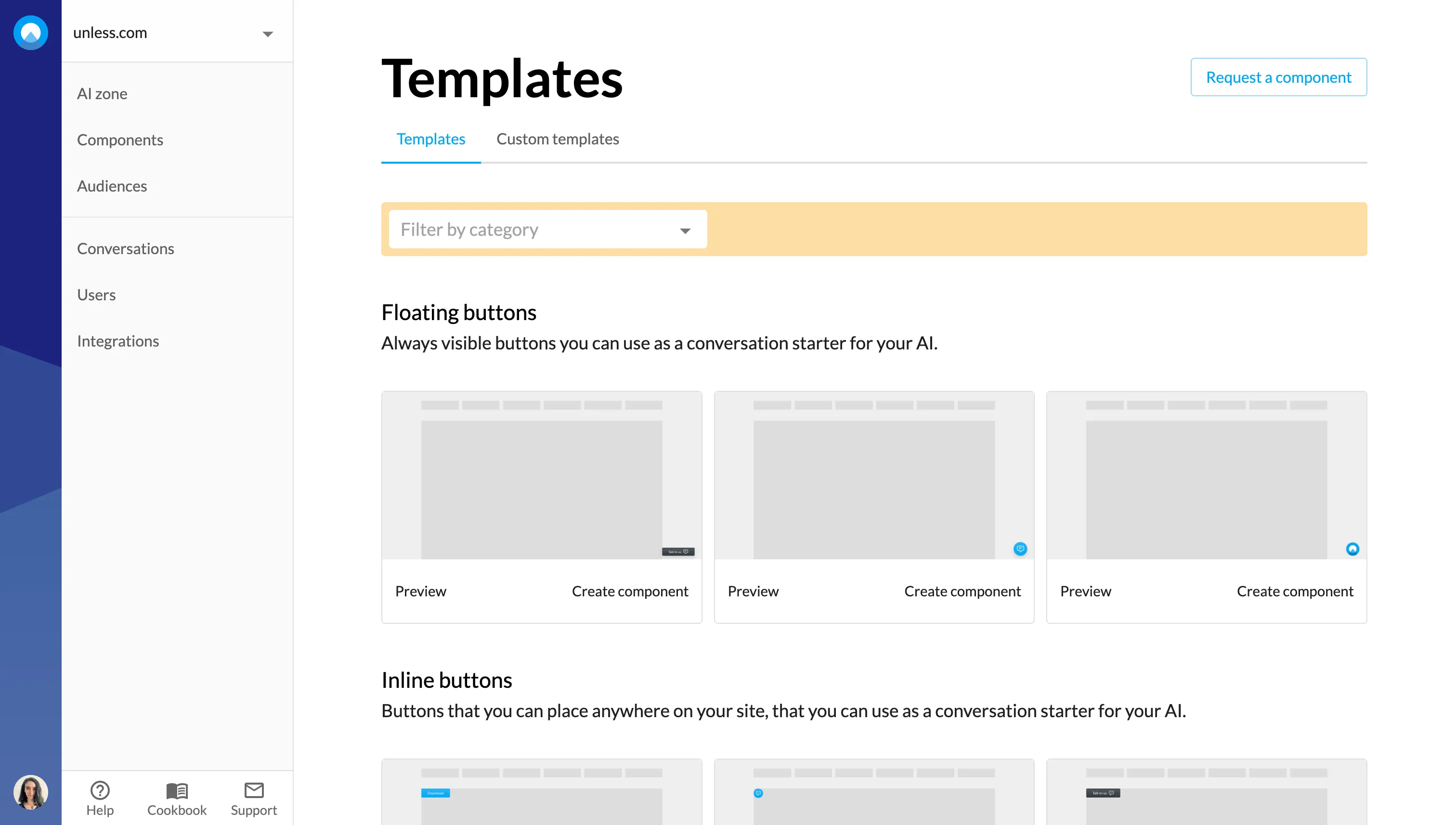
- 🧩 Reorganized the component templates list into new categories for better user experience and ease of finding what you need.
- 🎟️ Similar ticket functionality is now available as part of the Hubspot and Salesforce integrations. In the case of Hubspot, it is also possible to filter by pipeline.
- ⚙️ Clickhelp integration: It is now possible to pull your Clickhelp knowledge base articles into Unless and use them as training sources for your AI.
- 📱 On mobile, the chat popovers display as overlays for better usability.
- Large PDF files are now handled better.