A 30% faster AI and full visibility into your sources
December 4, 2023
More speed, plus a clear view into what powers each answer.
Integrations
- 🌟 The AI now responds 30% faster and handles follow-up questions better.
- 📚 You can now see exactly which pages/content was ingested from a training source. This helps you see which content was discovered using your sitemap, or which articles were retrieved by an integration.
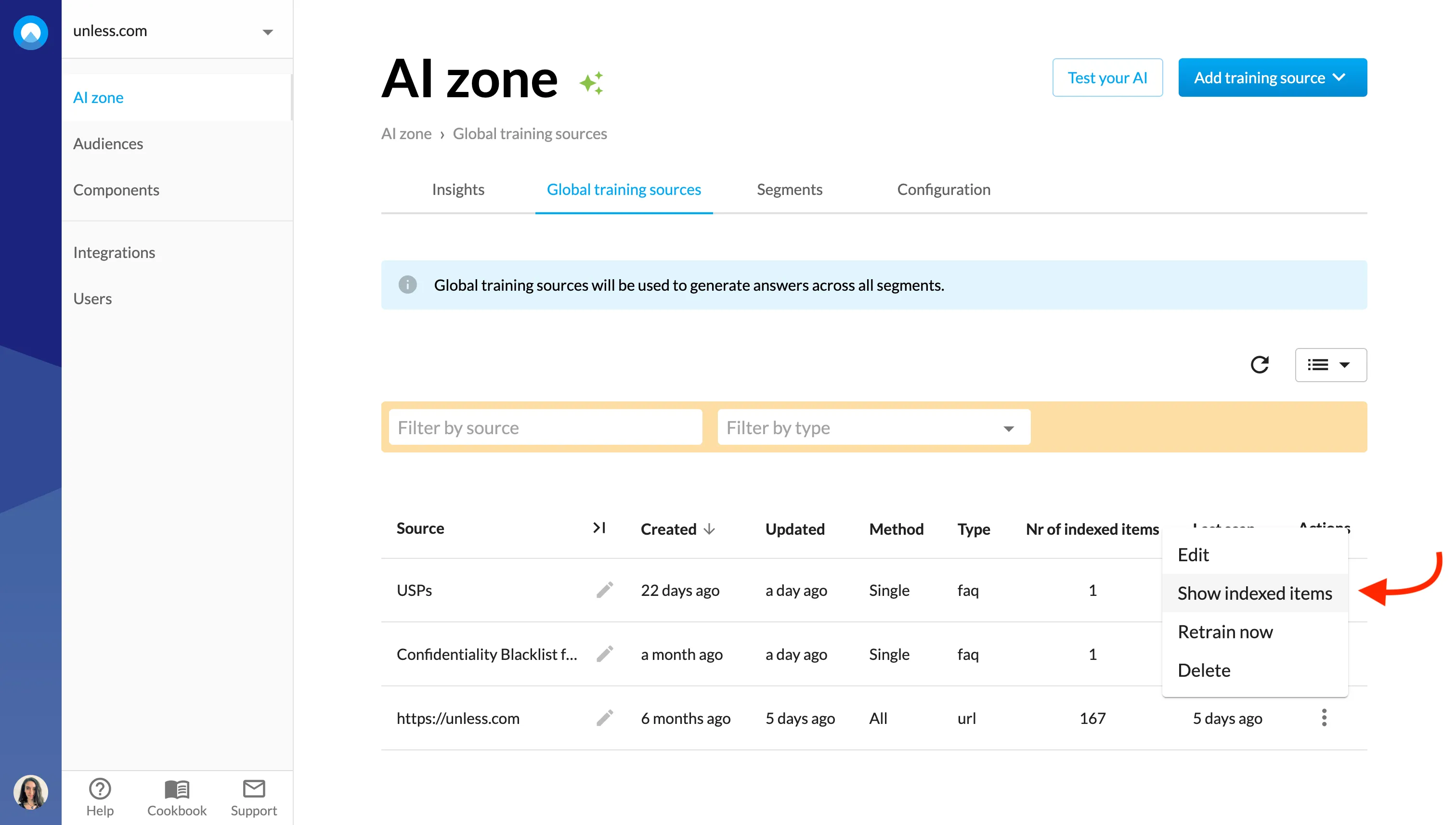
- You can click on each listed item to see the exact content that was ingested in Unless, helping you debug any problems.
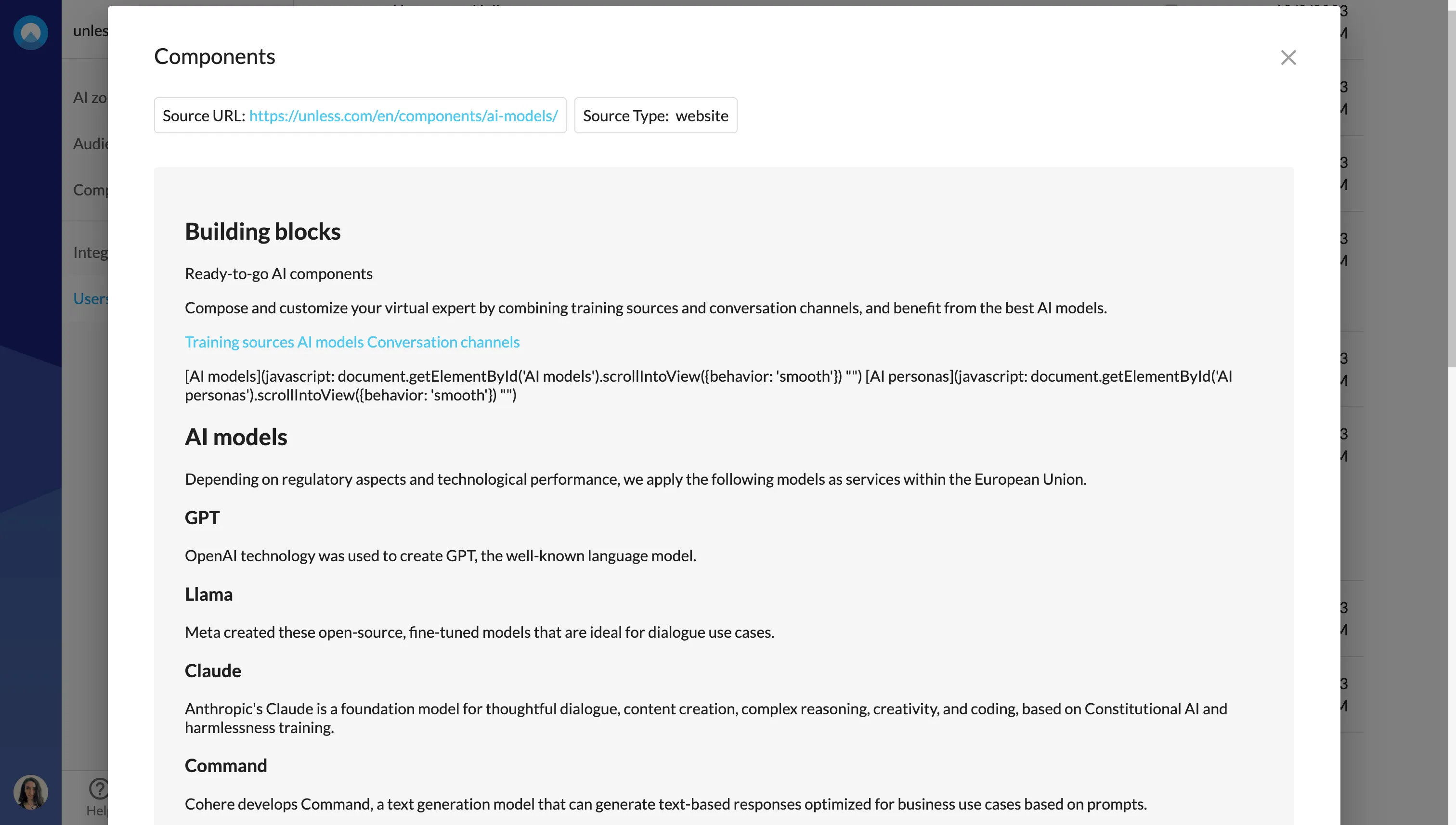
- 📋 Additionally, now when viewing conversation details, you can click to see the sources and click again to view the exact content that was used to generate each answer!
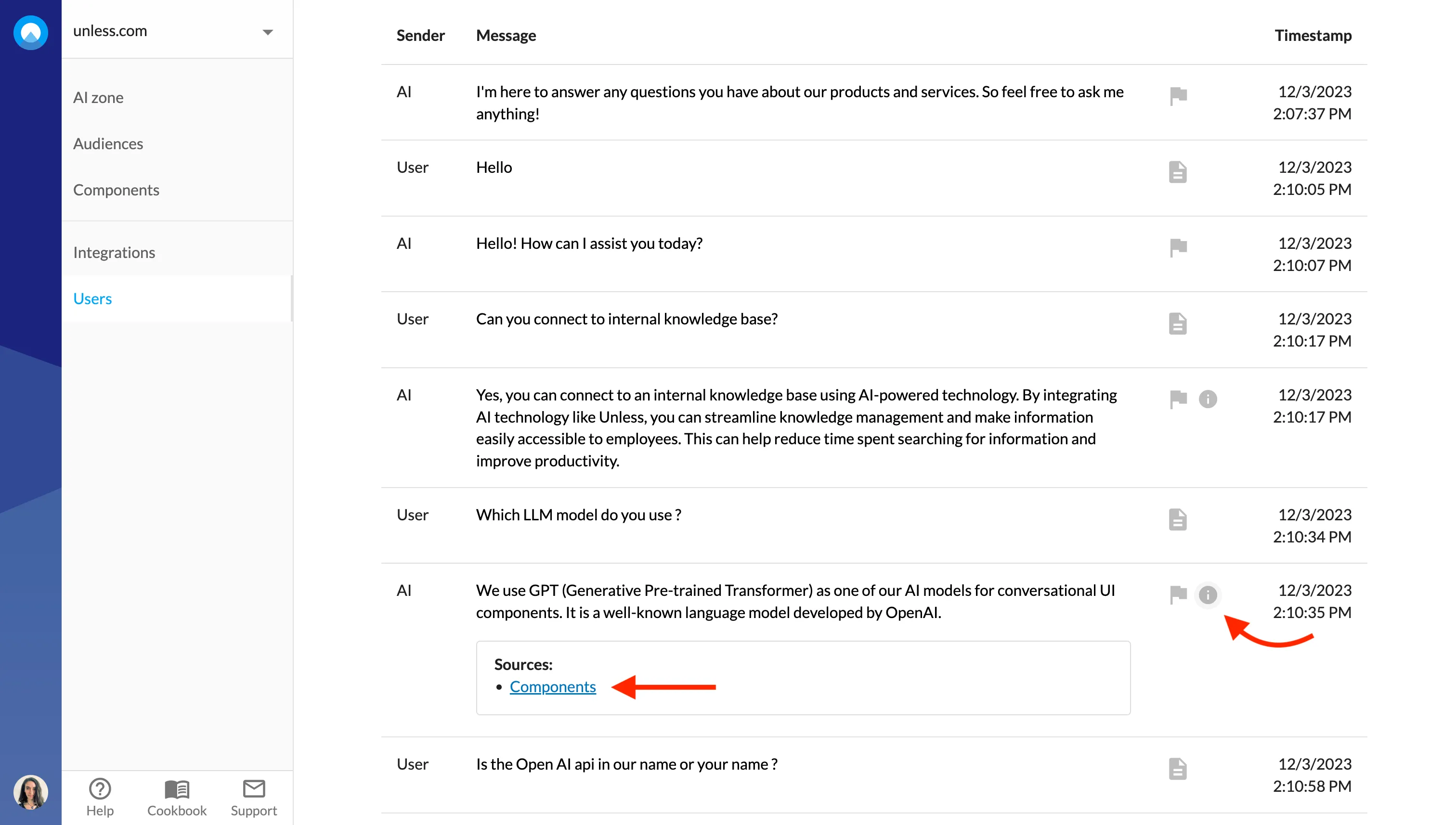
- ℹ️ The sources list (that can be viewed for each answer) is now much more accurate and will show exactly which sources were used in the answer.
- 👍 The thumbs up and down icons (and the sources) are made more visible and appear below the response to increase usage.
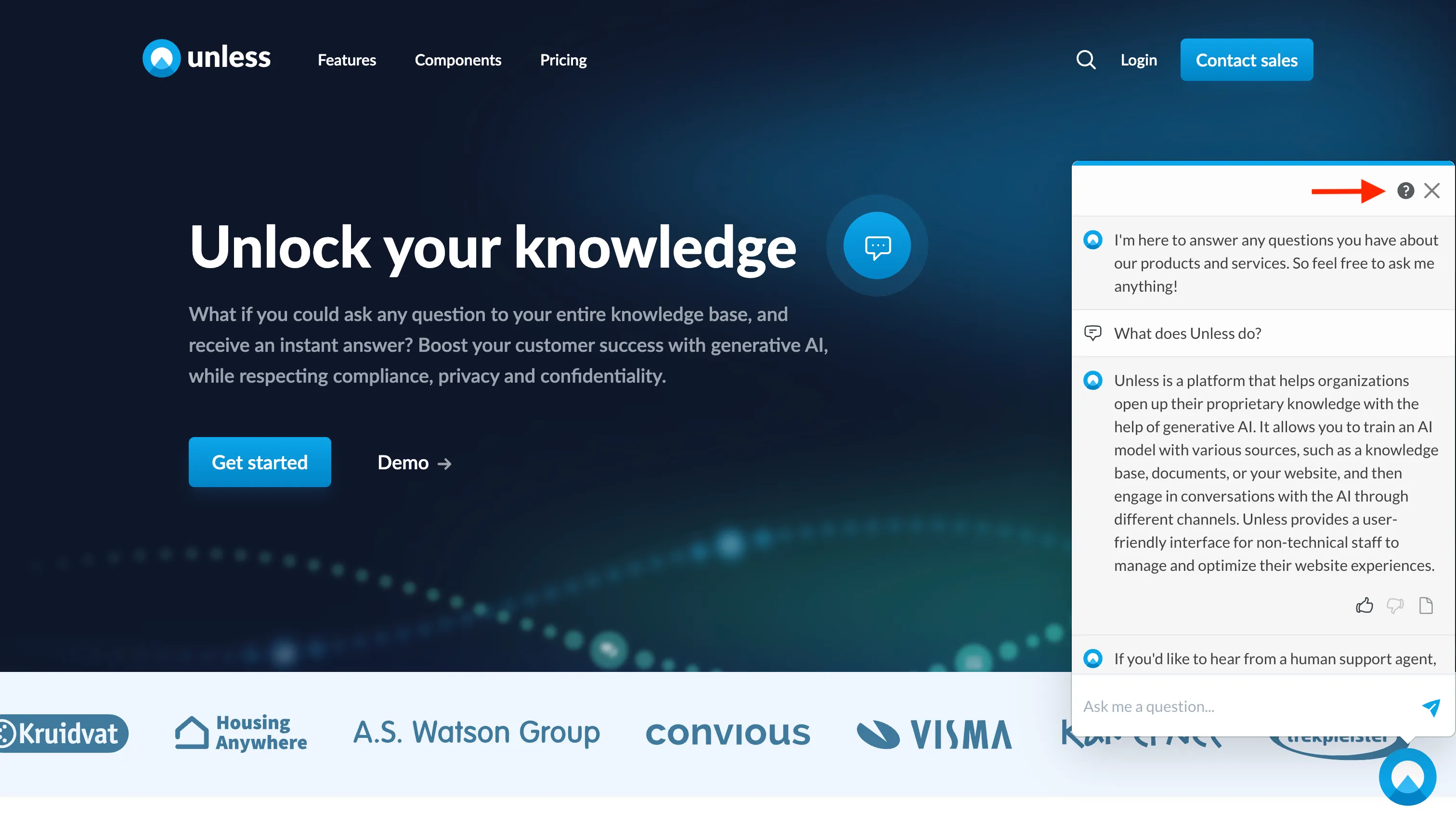
- 📞 An (optional) support button is added with a new support flow in the top-right corner of the chat. You can set this up via the Configuration tab.
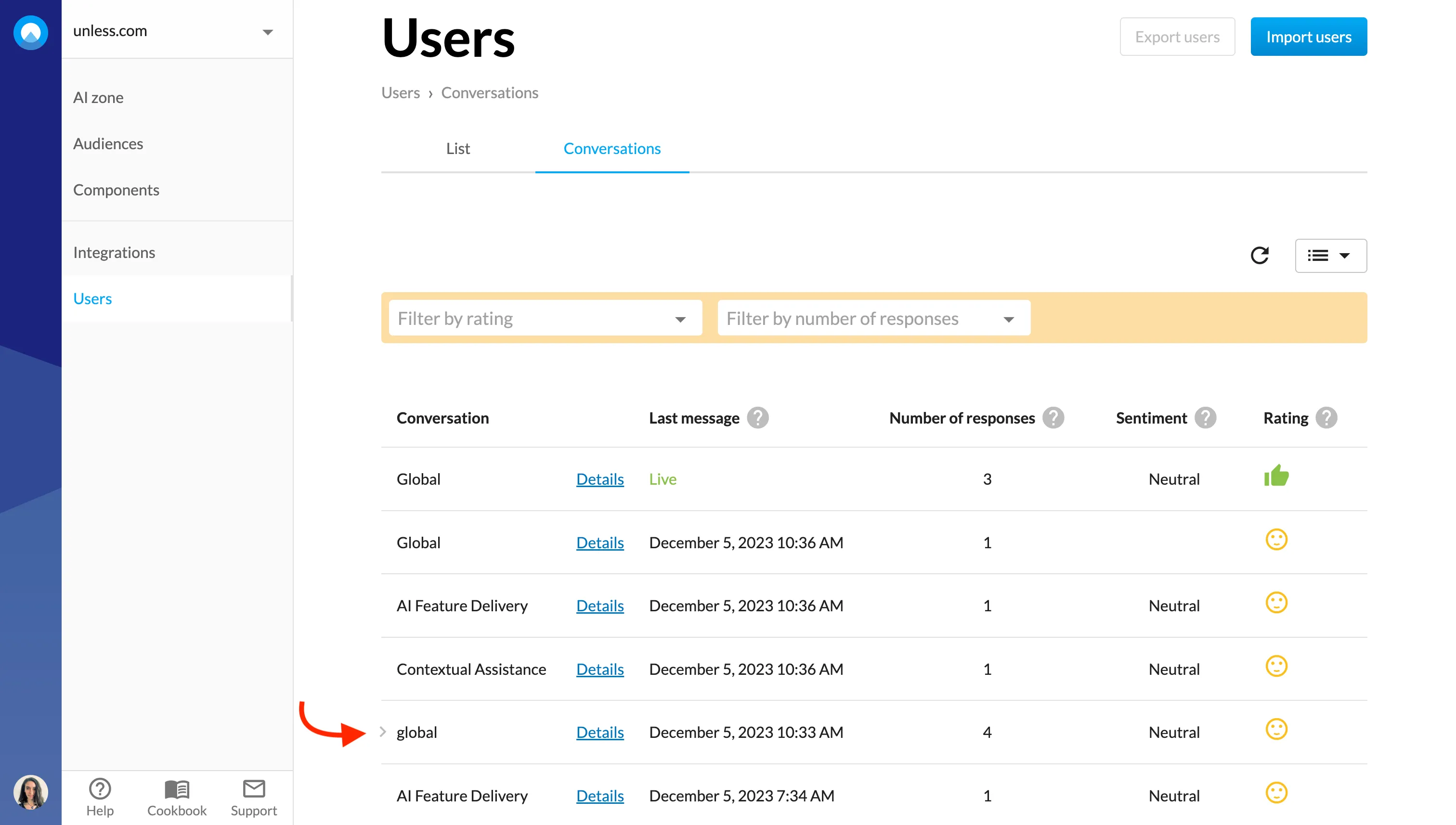
- 📌 We’ve added an indicator to highlight the last conversation you opened to make it easier to know where you left off while browsing across conversations.